Installation Guide
A step-by-step guide to deploying the software on your server.
Server Requirements
Before you begin, ensure your hosting environment meets these requirements:
- PHP 8.2 or higher
- MySQL or MariaDB
- BCMath & cURL Extensions
- mod_rewrite enabled
Upload Files
Download the latest version of Keystone Accounting Lite. Upload the ZIP file to your server (usually inside public_html) and extract it.
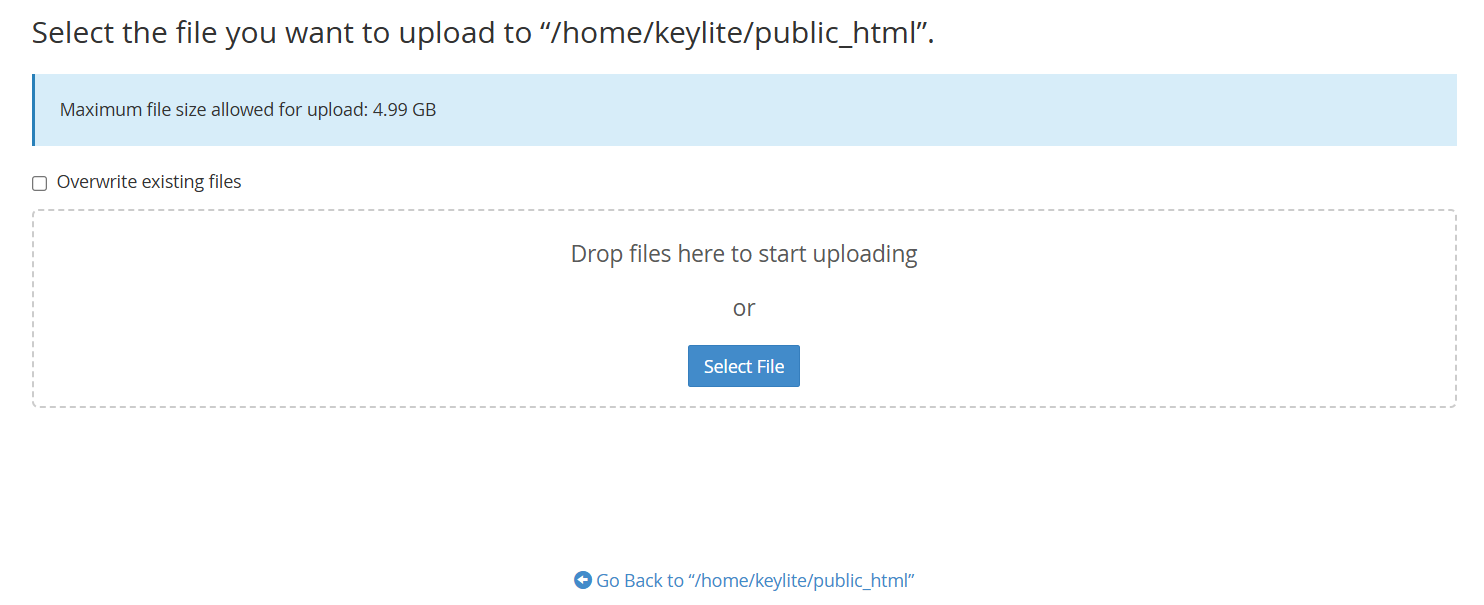
Extracting files in File Manager
Prepare Database
Log in to your hosting control panel (e.g., cPanel). Go to the MySQL Database Wizard and create a new, empty database.
Note down the Database Name, User, and Password. You will need these in the next step.
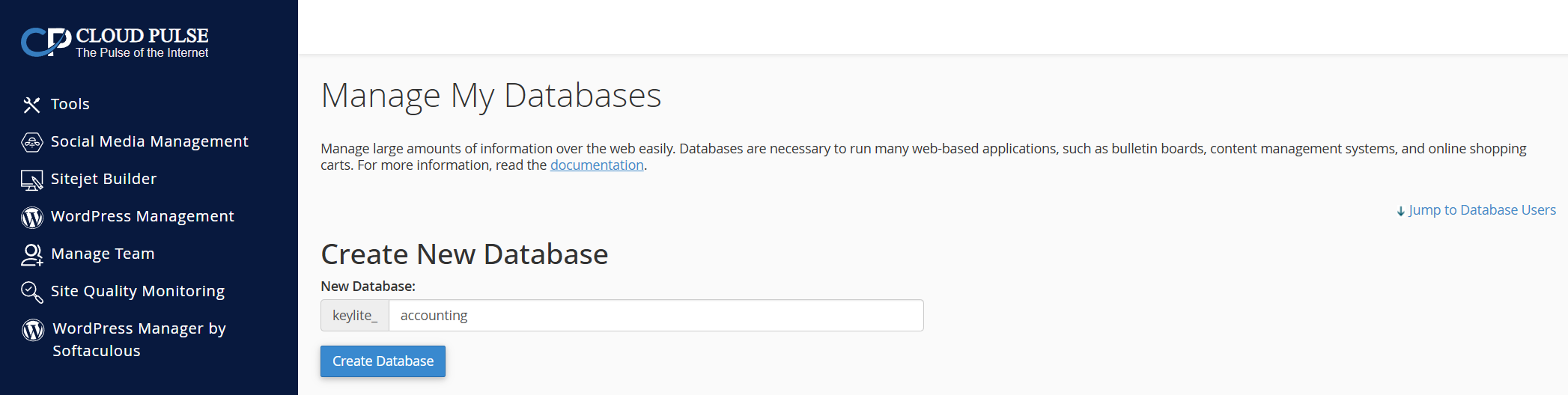
Creating a database user in cPanel
Start Installer
Open your browser and navigate to your domain. The installation wizard will verify your server compatibility. If all checks pass, click Next Step.
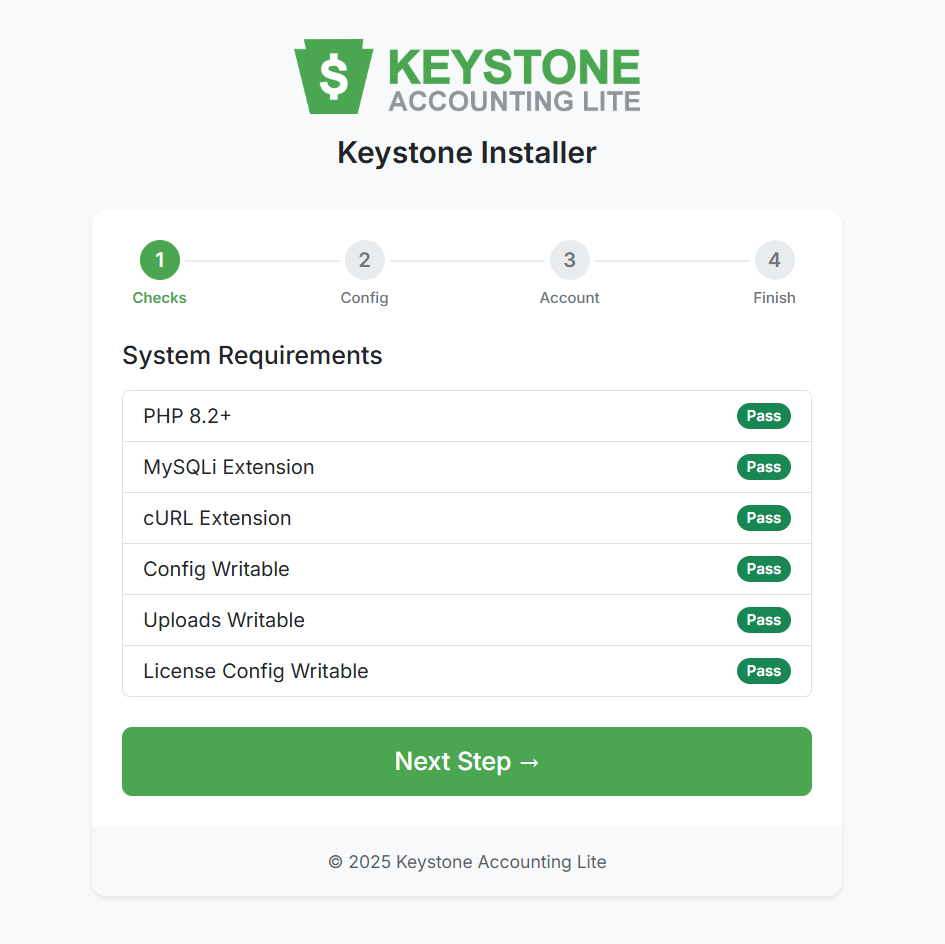
System Requirements Check
Configuration
Enter the Database Credentials you created in Step 2, and enter your License Key. The installer will automatically connect and set up the database tables for you.
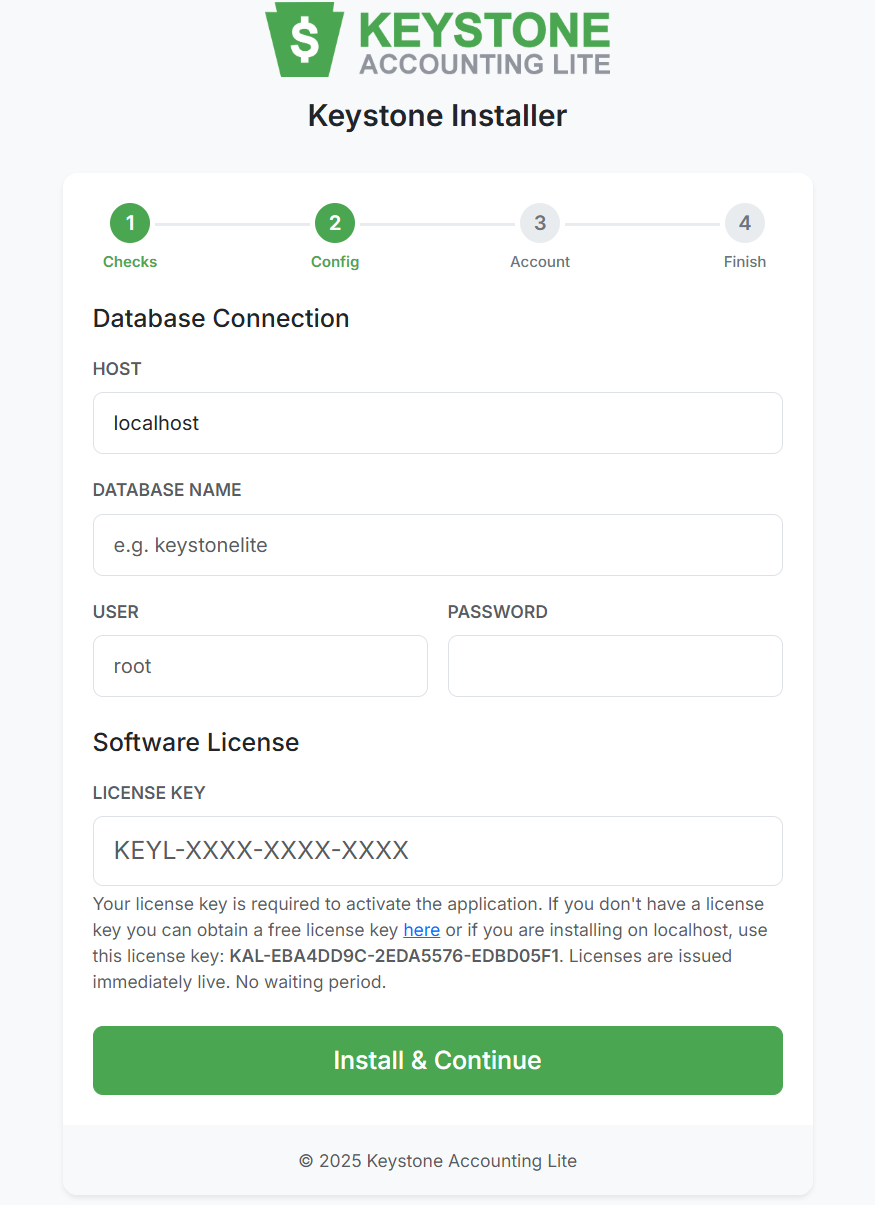
Entering Database & License Details
Create Admin
Create your primary Administrator account. This email and password will be used to log in to the dashboard.
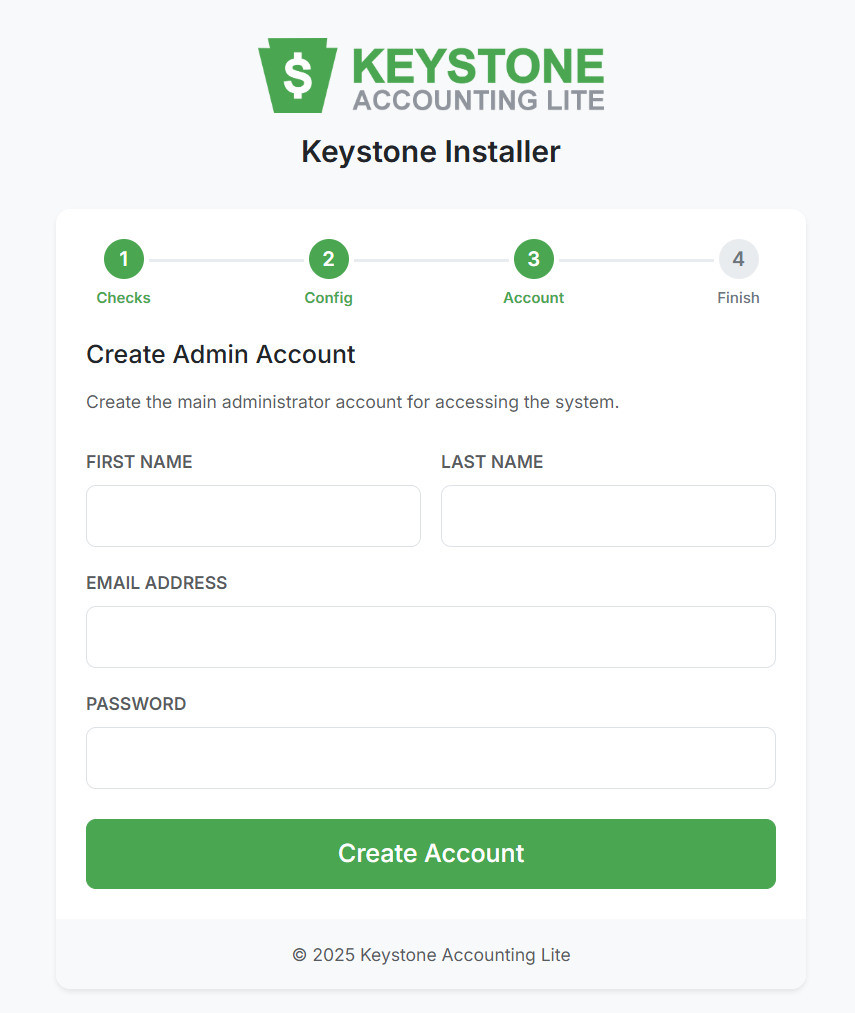
Setting up the Admin Profile
Installation Complete
Once finished, the system is ready!
Important: Please delete the /install folder from your server for security purposes after successful installation.
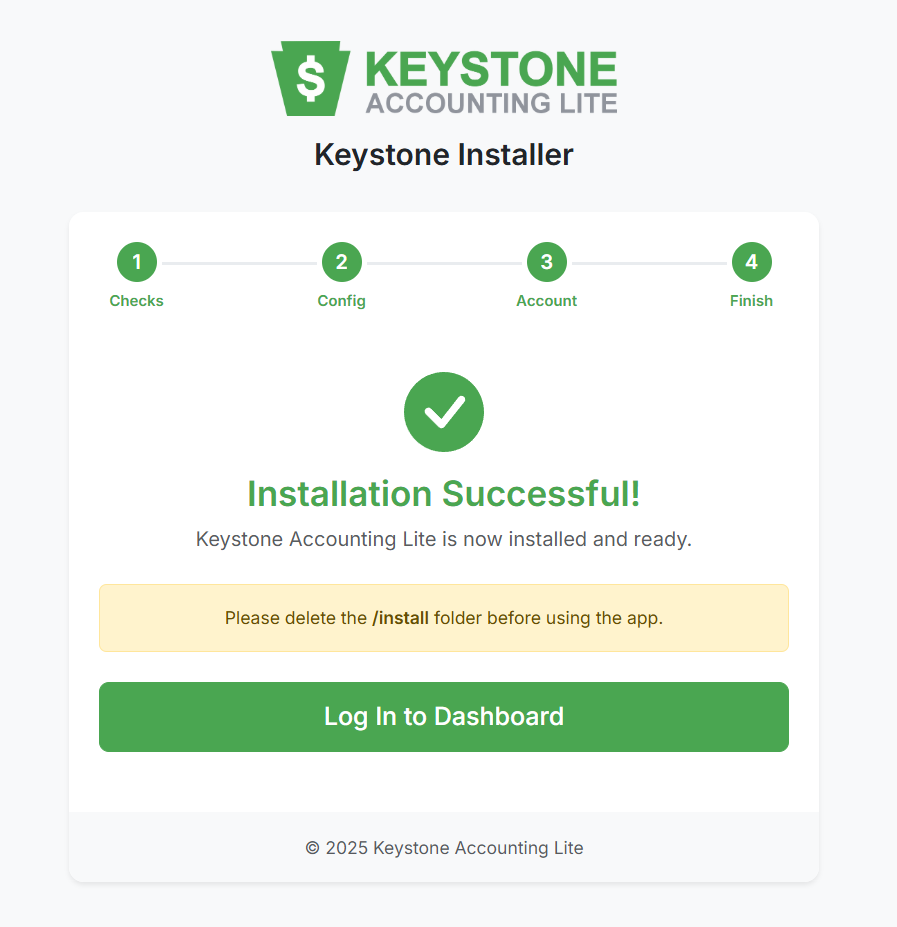
Success Screen